Reports and PDF
Every generation produces a report you can open in the browser and download as a PDF; the Full SPOT and the Financials page can also be printed. The Reports page lists them all; the dashboard links to the latest.
Find your reports
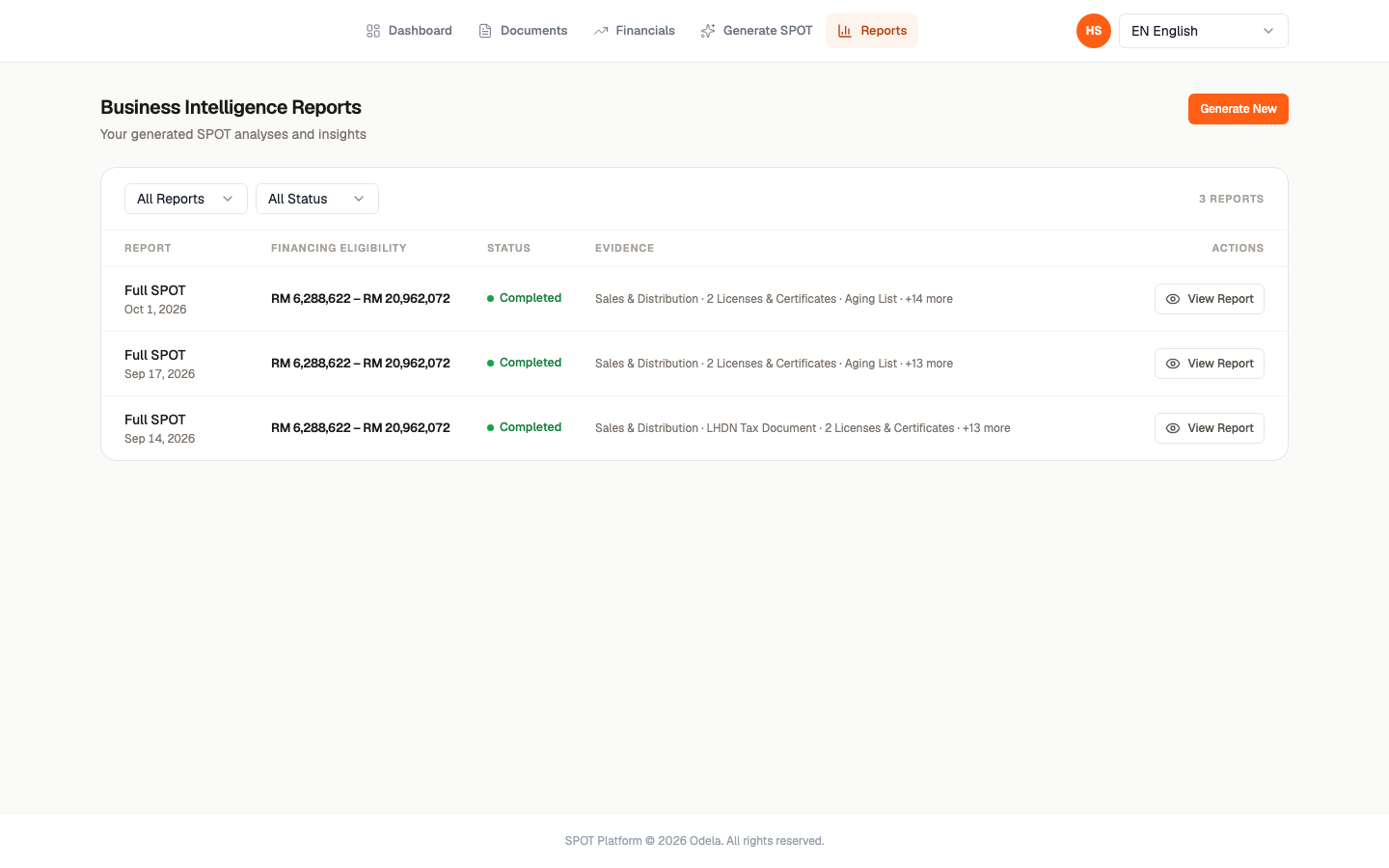
The Reports page (the Reports item in the navigation) lists every report with what it is, when it was generated, its Financing Eligibility result — shown as one of Eligible, Conditionally eligible or Not eligible — its status, its evidence, and a View Report action. Filter by report type and status.
Read a Full SPOT
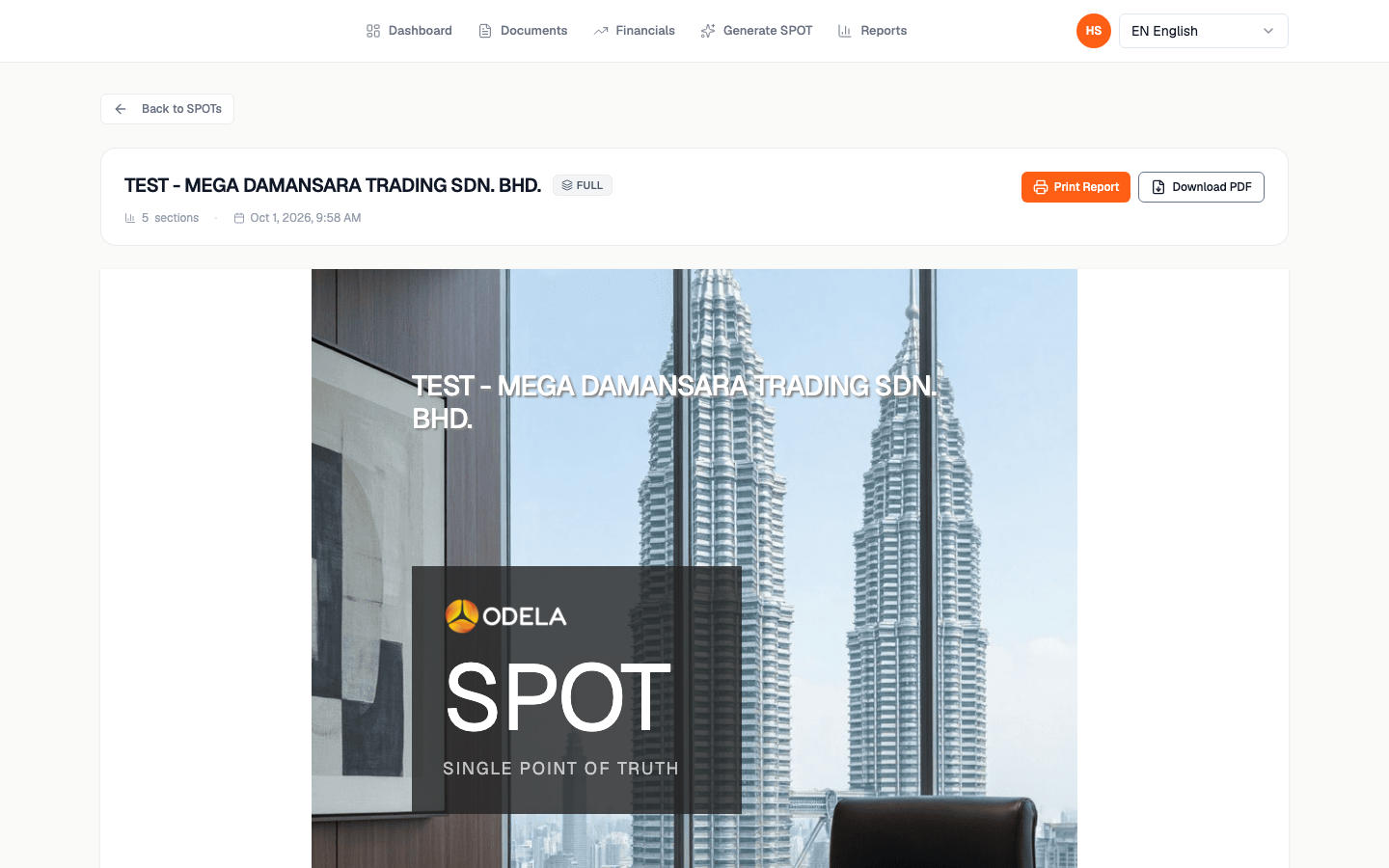
A Full SPOT is one document with five sections. The viewer shows the company, the generation date, a section counter, and two actions: Print Report and Download PDF.
The five sections, in the order they appear:
| Section | What it covers |
|---|---|
| Section A — Enterprise & Financial Profile | Who the company is and its financial position, including your financing eligibility reading and matched-product results. |
| Section B — Strategic Capabilities & Market Position | Where the company stands in its market. |
| Section C — Statement of Capabilities | Delivery record and competencies, including the Technology Readiness assessment when that document is on file. |
| Section D — Ownership & Management Structure | Who owns and runs the company. |
| Section E — Regulatory, Compliance & Credit Integrity | Compliance standing and credit record. |
Where a section has nothing on file to draw from — no credit report, for example — it says Data not available instead of inventing content. That is the report being honest about its evidence, and the section fills in when the document is added and the report is generated again. See Evidence and abstention.
Section A carries the financing range; it is an indicative estimate, not an offer.
Read a Micro SPOT
The Micro SPOT is the lighter report for sole proprietorships and partnerships: business information, financial profile, active financing and the financing eligibility reading. Its viewer shows the report identifier, the documents it was built from, the generated date, and Download PDF.
Print or download
| Action | Where | What happens |
|---|---|---|
| Print Report | Full SPOT viewer, Financials page | Opens your browser’s print dialog with a print-ready layout. |
| Download PDF | Report viewers and the dashboard | Requests an official PDF of the report and saves it with your browser’s download. |
The PDF is produced for the report as it was generated. If you ask for it immediately after a run finishes, you may see “The PDF is still rendering. Please try again in a moment.” — the document is being prepared, and trying again shortly succeeds. If the download fails, the app says so and you can retry.
For your records, the downloaded PDF is the official artefact; the printed page is a convenience copy of the same content.
What happens next
Keep the PDF where you can find it — institutions may ask for it during an appointment, and the getting-started checklist counts the download as its last step.